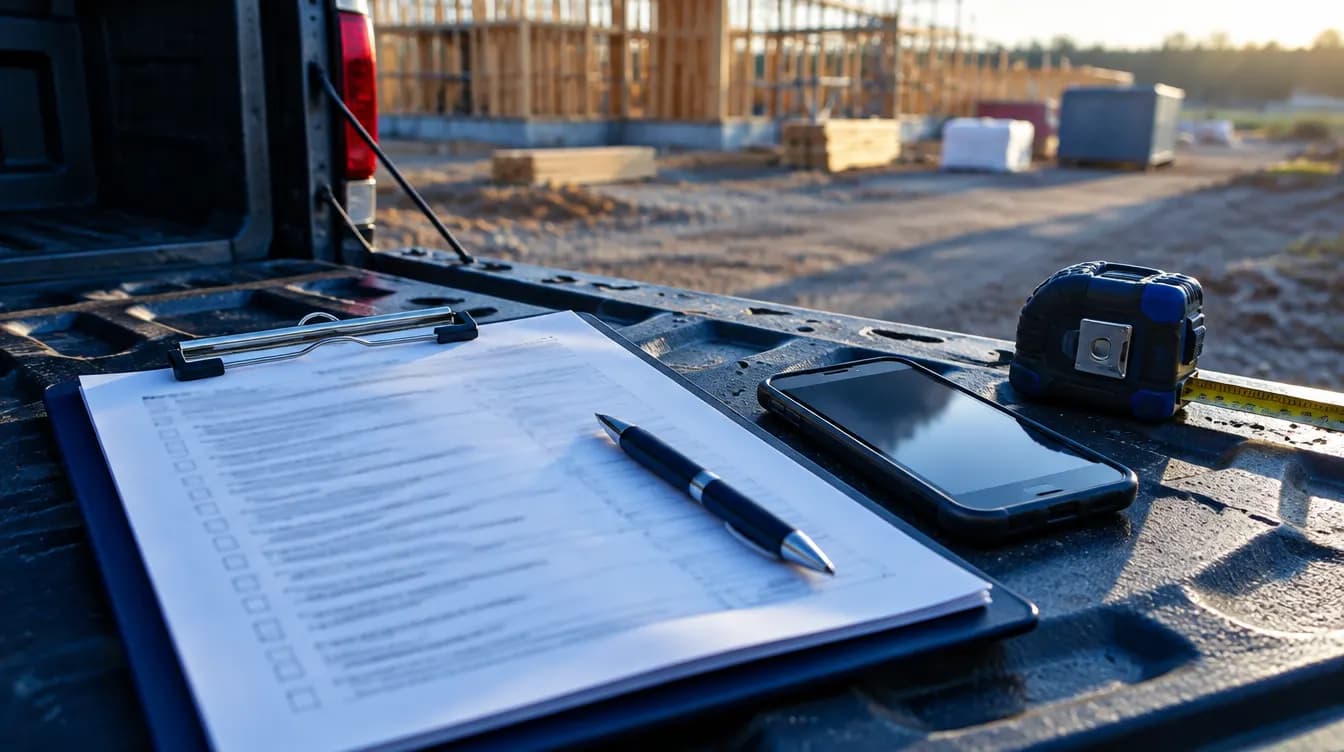
An ad creative brief for a job-site shoot that keeps the crew working.
A shoot day on a live job goes fast. Fill this in beforehand so the crew keeps working, the homeowner stays comfortable, and you leave with every shot the ad needs.
Fill in blocks 1 and 2 a week before the shoot and share them with whoever is filming and whoever is on camera.
02
Make it sound like you
Get the homeowner’s written permission before shoot day, not on the driveway that morning.
03
Put it to work
Bring the shot list and review checklist on site, and check shots off as you get them.
Before you send anything
Swap every [bracket] for your real details.
Read it out loud. If you wouldn’t say it, change it.
Written by BlueSmith as examples. Not client messages or results.
COPY AND USE
Ad creative brief for a job-site shoot, ready to copy.
01
1. Shoot basics
Job: [job type] in [neighborhood / city]
Shoot date and time: [ ]    Best light: [morning / late afternoon]
Job stage on shoot day: [tear-out / mid-build / final walkthrough]
On camera: [owner / foreman / crew names]
Site contact: [name, phone]
Who is filming: [ ]
02
2. What this ad has to do
Job type it sells: [ ]
Service area it runs in: [ ]
Who it’s for: [homeowner description, project trigger]
The one thing they should remember: [ ]
What they do after watching: [book an estimate / see a price range]
Where it runs: [Facebook and Instagram feed / Reels / Stories / YouTube]
Page it sends people to: [URL]
03
3. Homeowner permission
Settle this before anyone brings a camera on site.
☐ Homeowner agreed in writing to filming at their property
☐ Agreed which rooms or areas are off limits: [ ]
☐ If the homeowner appears on camera: signed release
☐ No house numbers, street signs, license plates, or family photos in frame
☐ Offered the homeowner a copy of the finished video
04
4. Site safety on camera
Homeowners notice a messy or careless site. The footage is also a record of how you work.
☐ Crew wearing the protective gear your own safety rules call for
☐ Ladders, fall protection, and tools used the way you’d want an inspector to see
☐ Nobody rushes or skips a step for the shot
☐ Work area cleaned up before the wide shots
☐ Filming stays out of the way of active work
05
5. Shot list
☐ Wide shot of the house or yard (address hidden)
☐ Before: the problem up close [rot / old finish / failing equipment / cracked slab]
☐ Crew at work: 3–5 short clips of hands, tools, and materials going in
☐ Detail shots of the craftsmanship: [seams / cuts / flashing / trim / finishes]
☐ Owner or foreman to camera: 2–3 takes of the talking points
☐ Finished result from the same angles as the before shots
☐ Slow walkthrough of the finished space
☐ Vertical and horizontal versions of the key shots
06
6. Talking points
Example lines we wrote. Say them in your own words; reading a script word for word shows on camera.
- Who you are: “I’m [name] with [company]. We do [job type] across [area].”
- What they’re looking at: “This is [what’s happening] on a [job type] in [town].”
- One thing you do on every job: [how you protect the home / how you handle cleanup / how you explain the scope]
- What the estimate is like: “We come out, measure, and you leave with [what they get].”
- Next step: “Tap below to [book a time / see a price range].”
07
7. Hooks to film (the first 3 seconds)
Film several. You won’t know which one works until it runs.
- No talking for the first second: the worst part of the before shot, with on-screen text naming the problem and the town
- Owner at the problem spot: “Here’s the part of a [job type] you never see once it’s finished.”
- Same camera spot, hard cut from before to after
- Foreman answering a question homeowners ask a lot: “People ask me [question]. Here’s the straight answer.”
- Crew mid-task, owner walks into frame and starts talking
08
8. Audio and format
☐ Clip-on mic for whoever speaks
☐ Loud tools off during talking takes
☐ 30 seconds of quiet room sound recorded for editing
☐ Vertical (9:16) for Reels and Stories, horizontal where it’s needed
☐ Tripod or gimbal for talking takes
☐ Captions planned for viewers watching with sound off
09
9. Deliverables
Cuts: [15 sec] · [30 sec] · [60 sec]
Hook versions per cut: [ ]
Captions burned in: Yes / No
Longer cut for the landing page: [length]
Still frames for image ads: [ ]
Due date: [ ]    Final approval: [name]
10
10. Review before it runs
☐ Owner approved every claim and every line of on-screen text
☐ Homeowner approved if their home is recognizable
☐ No prices on screen unless the owner signed off on them
☐ Nothing identifies the address
☐ The video, the ad text, and the landing page make the same offer
KEEP GOING
Use it with these.
STRAIGHT ANSWERS
Questions we hear.
What stage of the job is best to film?
If you can, film twice: once with the problem still visible, once at the final walkthrough. If you only get one day, mid-build with a clear before photo usually gives you the most to work with.
Do I need the homeowner’s permission to film?
Yes. Get it in writing before shoot day, agree what’s off limits, and get a signed release from anyone who appears on camera. Keep house numbers and plates out of frame.
Should the owner be on camera or the crew?
Whoever the homeowner will meet. If the owner runs the estimates, put the owner on camera. If a project manager does, feature them. Homeowners like recognizing the person who shows up.
Does BlueSmith film the ads?
Yes. We write, film, and edit video ads on your real jobs. Across Fresno County we shoot in person. Elsewhere, shoots are scheduled per project and travel is quoted.
Want this running without you typing it?
Seven questions. Two minutes. See the one part of your engine holding your projects back.